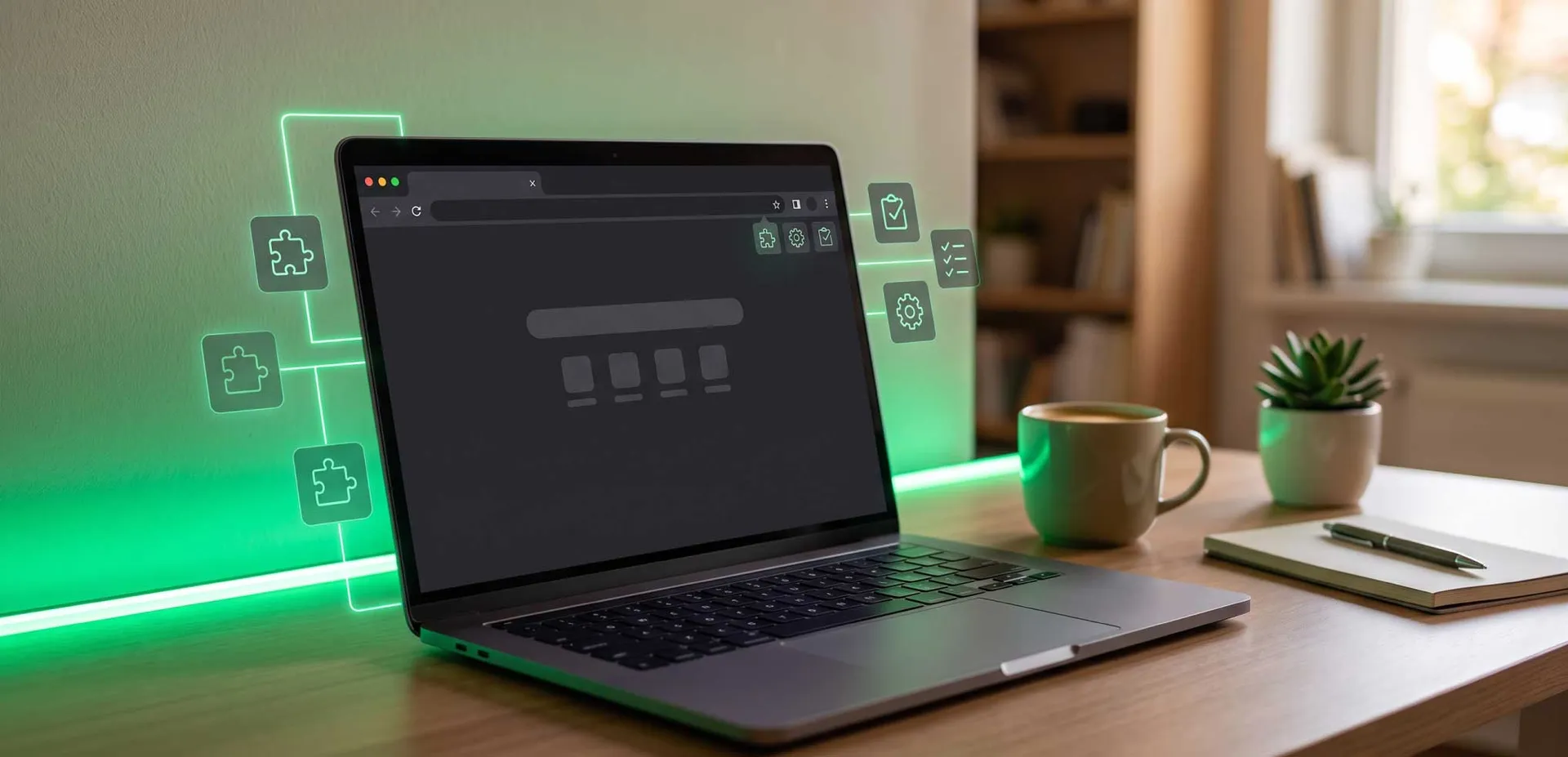
Built Perfectly for ChromeOS Ecosystems
Google designed ChromeOS to be lightweight, secure, and incredibly restrictive. Because Chromebooks cannot natively run .exe (Windows) or .dmg (Mac) files, 99% of downloadable mouse jigglers and auto-clickers simply do not work on them.
If you are trying to read a textbook, monitor a test, or keep an enterprise session active on a Chromebook, your options are extremely limited. That is why Move My Cursor is the perfect mouse jiggler for Chromebooks. It is built entirely using web technologies, making it natively compatible with the Chrome browser. It keeps your Chromebook awake without requiring Developer Mode or Linux (Beta) access.
Keep ChromeOS Active in 3 Steps
1. Load the Tool
Simply open this tab on your Chromebook. No need to mess with the Google Play Store or Linux terminal.
2. Initiate the Session
Click start. The app leverages Chrome's built-in media and wake APIs to prevent the screen from dimming.
3. Switch Virtual Desks
Enable background mode and switch to your other ChromeOS tasks. Your session will remain perfectly active.
Chromebook Anti-Sleep FAQs
Can school or enterprise admins block this on managed Chromebooks?
While admins can block URLs, they cannot block the underlying HTML5 technology without breaking the rest of the web. This makes it highly resilient on managed devices.
Does it work on ChromeOS Flex?
Yes! Whether you have a native Chromebook or an older PC converted via ChromeOS Flex, the web-based engine works identically.
Will this prevent my Chromebook from signing me out?
Yes. By simulating active engagement, ChromeOS resets its idle timer, preventing automatic sign-outs triggered by inactivity.